 opensus
Accounts, Free and Pro
The hosted app requires sign-in. Create or use a free account from the landing page to open the tool. Shared example and geometry links are carried through sign-in. The public manual can be read without an account.
Feature access
| Free | Pro adds |
|---|---|
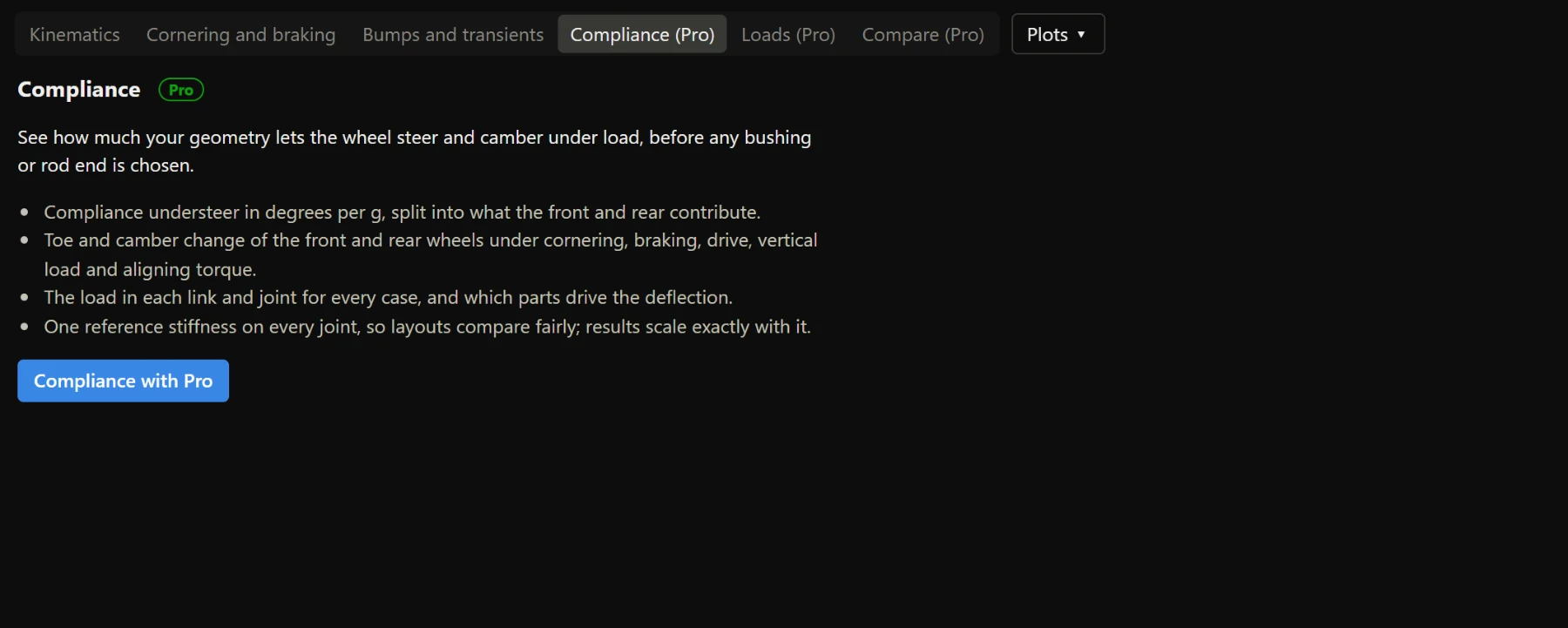
| Geometry editing, templates and custom mechanisms | Compliance analysis |
| Measurements, units, axes and 3D views | Structural design load cases and force envelopes |
| Springs, dampers, sway bars, link and shim adjusters | Whole-design comparison and kinematic baseline overlays |
| The guide's target checks | Design targets: set target ranges and see which targets your design meets |
| The Point, Part and Link tools | The Positions tool: mount positions for a joint |
| Kinematics, on-screen setup sensitivity, steady-state and transient simulations | CAD point lists, DXF and STEP |
| Browser saves, project files, CSV hardpoints and readout CSV, view-only links | Excel workbook and PDF setup/sensitivity reports |
| The GG diagram | The GGV diagram (grip across speeds) and the yaw moment diagram (balance at a speed you choose) |
| Plot viewing, annotations, saved data snapshots, PNG/SVG images and image copying | Plot data as CSV |
With Pro, the name in the top left reads opensus pro.
See saving and exports for the exact formats. A free account does not provide cloud project storage: working designs, named saves and the Compare baseline live in the browser, and file backups live where you save them.
Subscription controls
Current prices and billing choices are shown on the pricing page. Account controls show subscription status and provide billing management. A monthly/yearly switch takes effect at the end of the current paid period; the UI shows the date and any pending plan change.
Canceling leaves Pro available until the paid-through date. Renewal restarts billing from that date rather than charging immediately. Use the dates shown in your account for your own subscription; the manual does not calculate them. Canceling Pro does not delete your locally saved project files.
Feedback and account help
Use Feedback in the top bar to report a problem or suggest an idea. Reports are tied to the signed-in account. For a problem, review whether the form includes the design and any attachments before submitting. Include the sequence of actions, expected result and relevant warning so the issue can be reproduced.
The development build can run in demo mode without backend keys. Demo sign-in or subscription behavior is not the production billing flow. If a download is unavailable or a session is not recognized, inspect the account status and on-screen message rather than assuming the design has been lost. See troubleshooting.