 opensus
Troubleshooting and model limits
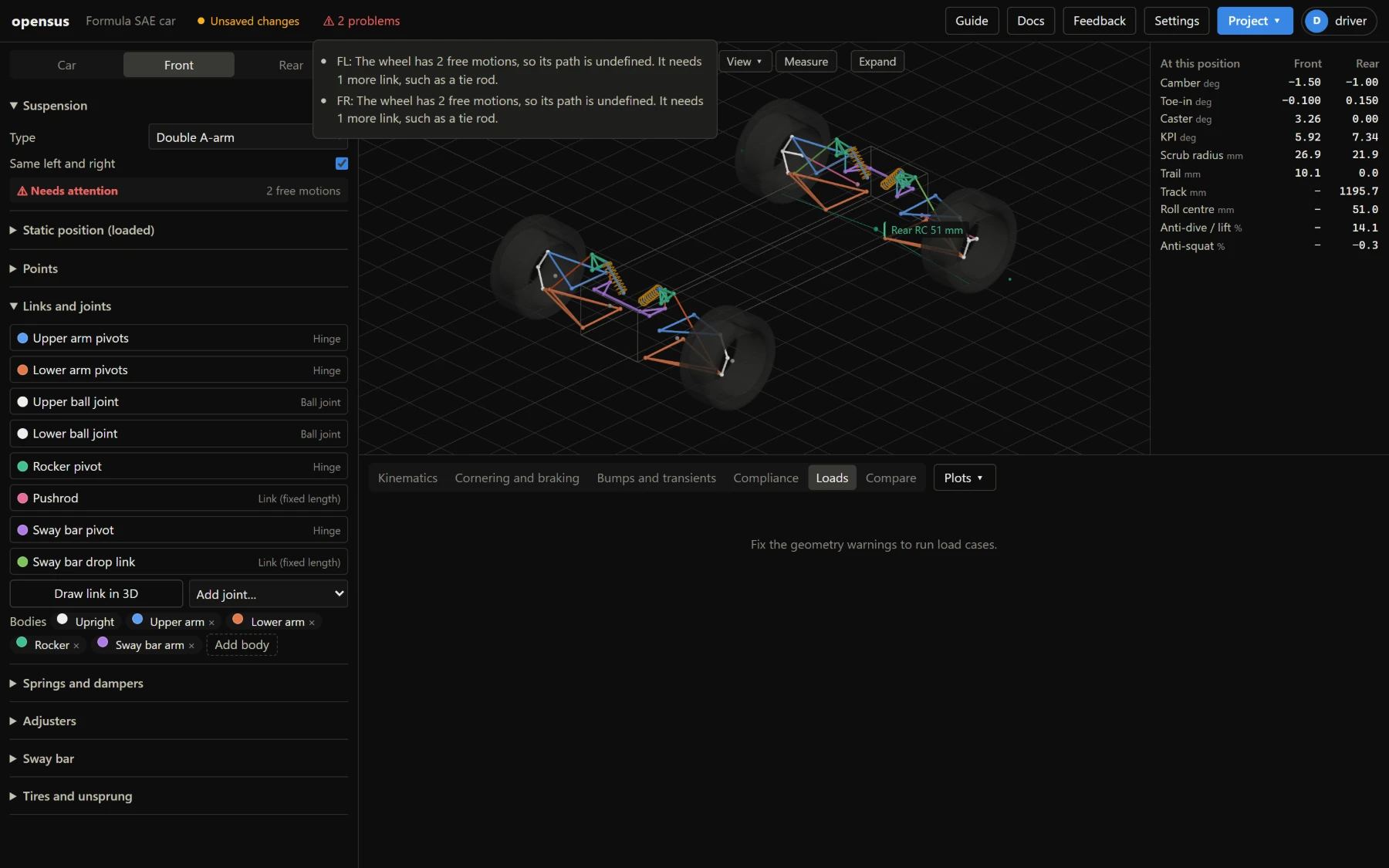
Open the warning button in the top bar to read the complete list. Start with linkage errors before interpreting downstream curves or vehicle results. Save a file of a working design before major changes, and use Undo to isolate the first edit that caused a problem.
| Symptom | What to check |
|---|---|
| Invalid linkage / wrong free-motion count | Missing or duplicate constraints, wrong body references, loose bodies, coincident axis points |
| Curves disappear at large travel | Reduce the sweep range; check whether the mechanism reaches the requested pose |
| A single metric is blank | An instant center or steering-axis intersection may be undefined; a dash is not necessarily zero |
| Cannot drag a point | Return to the design position (click the note above the 3D view); check selection, defining measurements and symmetry |
| Point jumps back after editing | A defining dimension may control it. Open the measurement and check whether it is reference or defining: a defining one holds the point, and switching it to reference makes it only measure the distance |
| Required perch is out of range | Check mass, spring rate, motion ratio, free length and permitted perch travel; see automatic perch and locked setup |
| Rim-clearance warning | Inspect the named hardpoint, rim diameter and clearance allowance; this is a simplified design-position check |
| Grip warning in cornering | The requested acceleration exceeds the tire model's capacity; outputs beyond the limit are clipped |
| Whole-car solver does not settle | Reduce acceleration and inspect geometry, rates and travel limits |
| Old transient or load result | Rerun after model or case changes; stale results describe the earlier inputs |
| Browser save fails | Storage may be full or blocked; retain a project file and read the save message |
| File rejected | Check that it is an opensus project JSON and not a CSV or a project saved by a newer incompatible version |
Missing or surprising controls
Pro-only tabs show an explanation when your account is Free. Plot images and point CSVs are Free, but plot CSV data, CAD and report exports require Pro. Downloads are under Project → Download and export…; older screenshots may show a separate Download button.
If part of the interface is hidden, use Restore panels or drag a divider back. At narrow window sizes, widen the window for the full engineering workspace. The tool needs JavaScript and a browser capable of WebGL; the manual itself does not require JavaScript.
What the model cannot establish
Kinematics assumes rigid bodies; joints set to a rubber bushing give at one rate in every direction. Compliance uses those rates and one reference stiffness for every other joint, with no flexible components. The tire model is simplified; transients prescribe acceleration rather than solving free vehicle handling. Rim warnings are not full collision detection. Spring drawings, in the app and in STEP files, do not simulate coil bind. Structural loads include neither fatigue nor safety factors, and STEP files are layout models.
Read methodology and validation to distinguish numerical solver checks from validation against a physical car. To report a reproducible issue, use Feedback and include the actions, settings and warnings; share the project only if appropriate.